


Description
Product information:
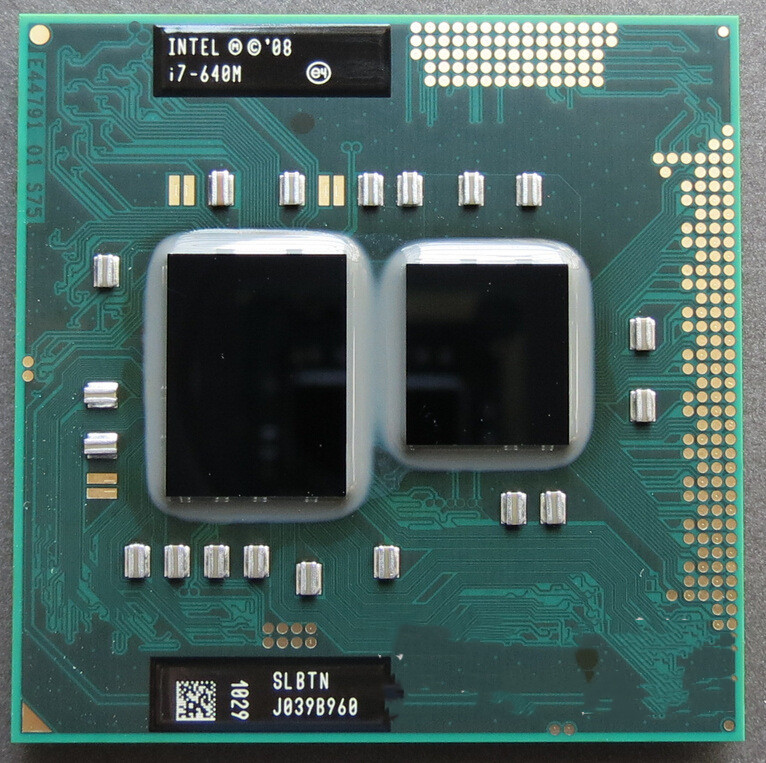
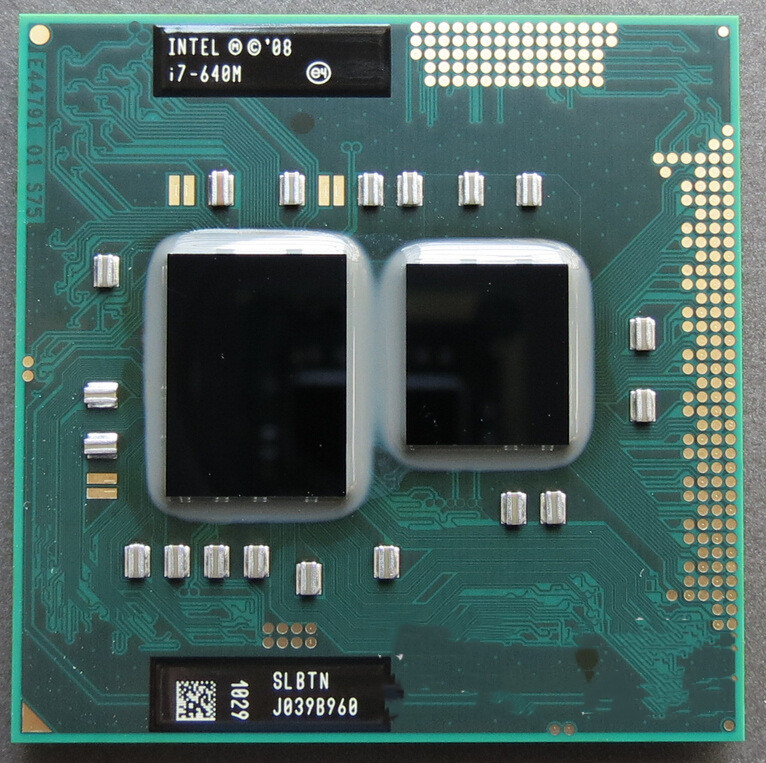
Type: CPU/Microprocessor
Family: Intel Pentium Dual Core Mobile
Package 2: I7 620M 2.66-3.3
Must see before installing CPU:
1. Remove the original CPU, clean the dust on the fan and heat sink, and clean up the original silicone grease remaining on the heat sink, especially the hardened silicone grease must be thoroughly cleaned, this is very important!
2. Insert the newly purchased CPU in the correct direction, and apply a thin layer of silicone grease on the top of the CPU. Don’t apply too much, just enough to fill the gap between the top of the CPU and the heatsink ideally. (Take a small piece of silicone grease in a needle tube as an example, it is suitable to squeeze 2-3 small grids of silicone grease)
3. Reinstall the heat sink, first press the heat sink with your fingers and move it up and down, left and right, so that the silicone grease inside is evenly dispersed and the air is exhausted, and then follow the order of numbers marked on the fixing screws on the heat sink (or diagonally) Tighten them one by one, and then unscrew a screw each time a few turns. Do not screw a certain screw to the end at a time, and rotate it one by one until it is fixed and balanced. Note: After changing the CPU, if you find that the CPU temperature is too high, or the temperature is unstable from high to low, please carefully check the above 3 items, and check whether the quality of the silicone grease is too poor. Most problems can be solved this way.
Packing list:
CPU*1





There are no reviews yet.